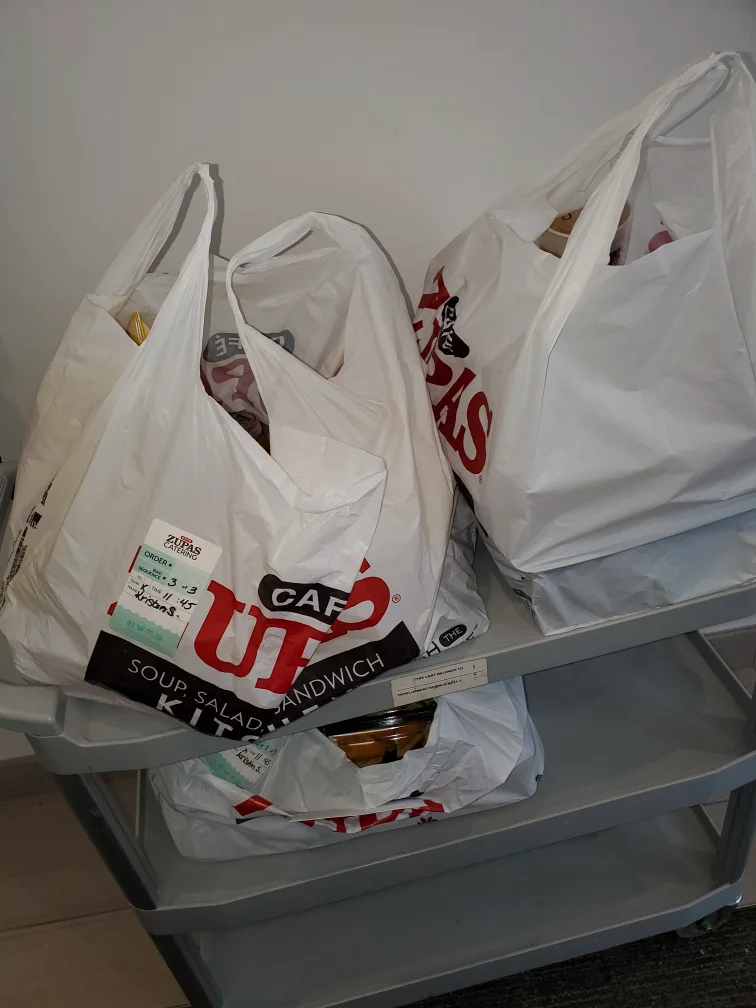
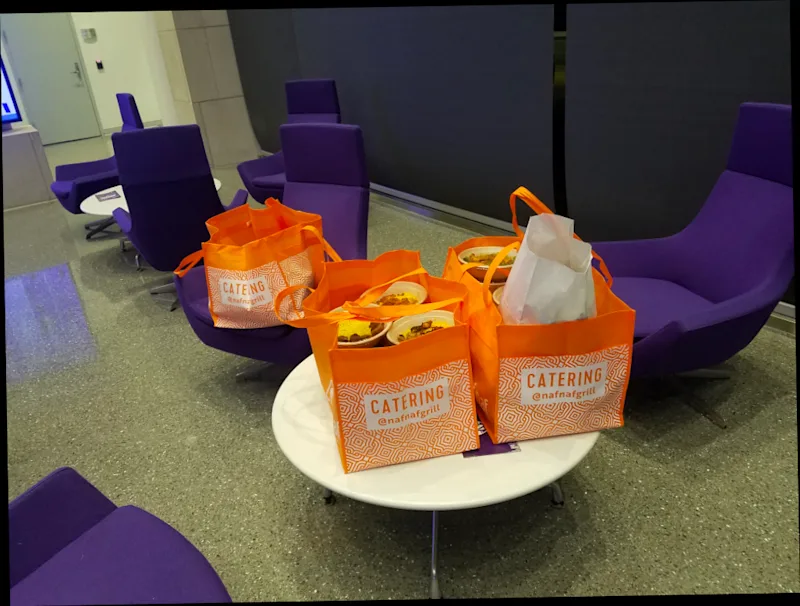
Completando una entrega de un pedido grande de Drive
Completing a Large Order Delivery with Setup
Completing Setup
Some deliveries involve completion of a light setup upon arrival to the customer. If this is part of the Merchant’s requirements for a delivery, you will see a $3 Setup Extra Pay displayed on the scheduled delivery before you choose to do that delivery. You may be asked to set up food trays and lay out utensils. However, you do not need to open food or light sternos.
Note: All photos are shared with the Merchant for approval. Failure to submit a clear and accurate photo of the completed setup could impact your Large Order Program eligibility.
Steps to Complete Setup:
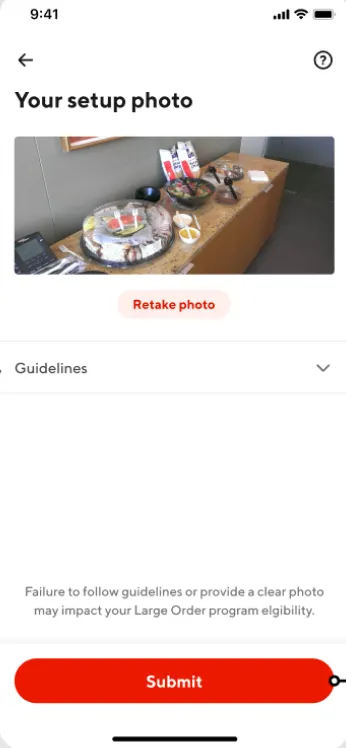
After arriving at the customer, take a picture of your completed setup.
Submit the photo
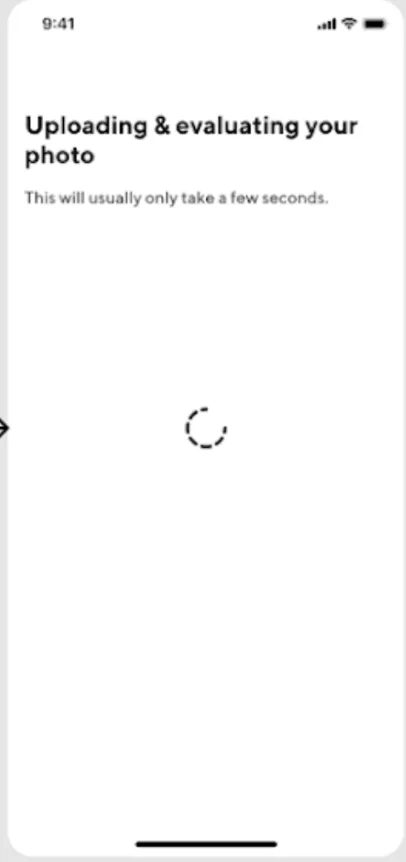
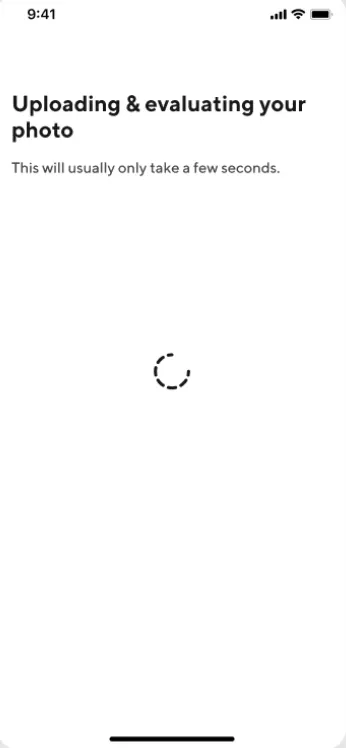
Wait for your photo to upload and be verified.
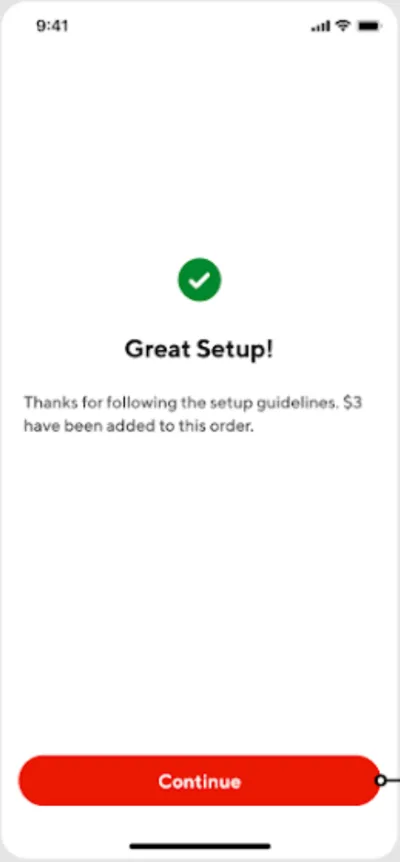
Click continue after the successful submission.
|
|
|
|
|
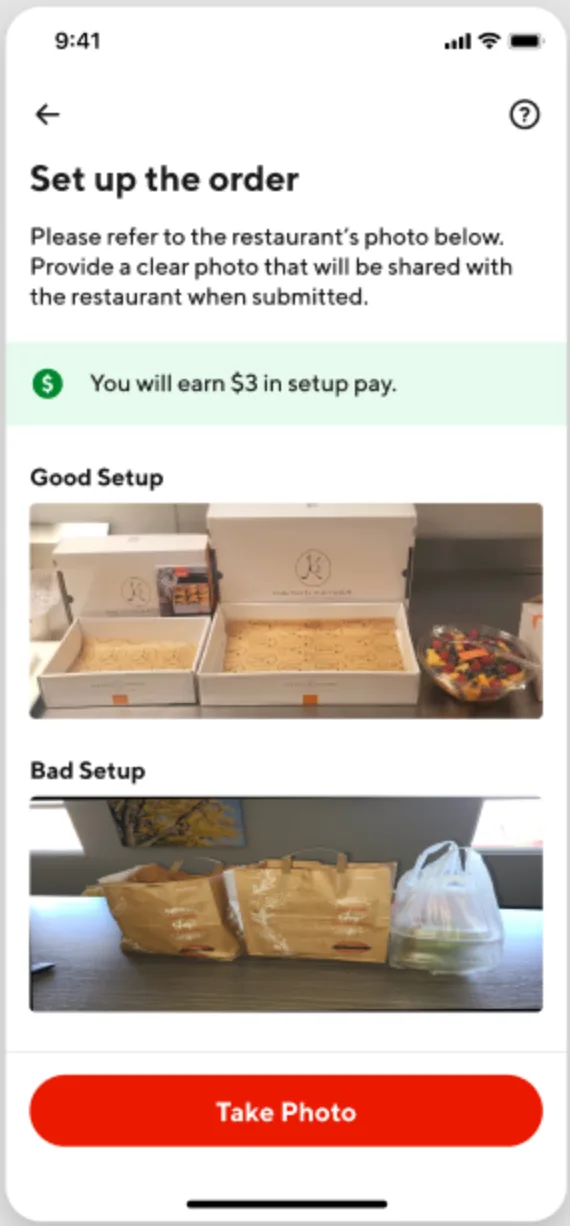
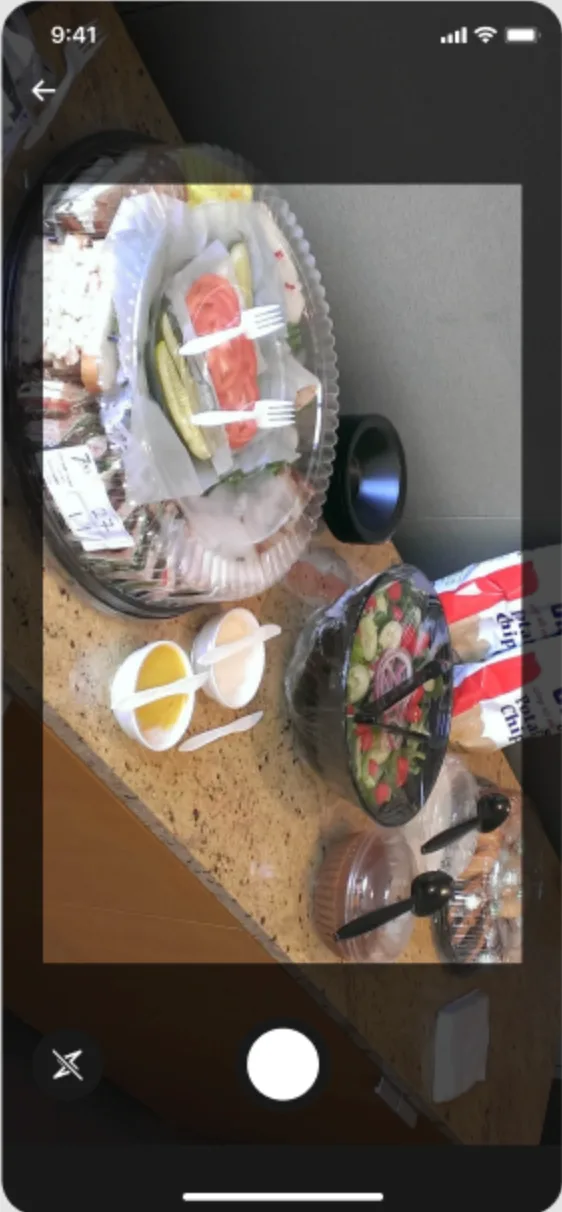
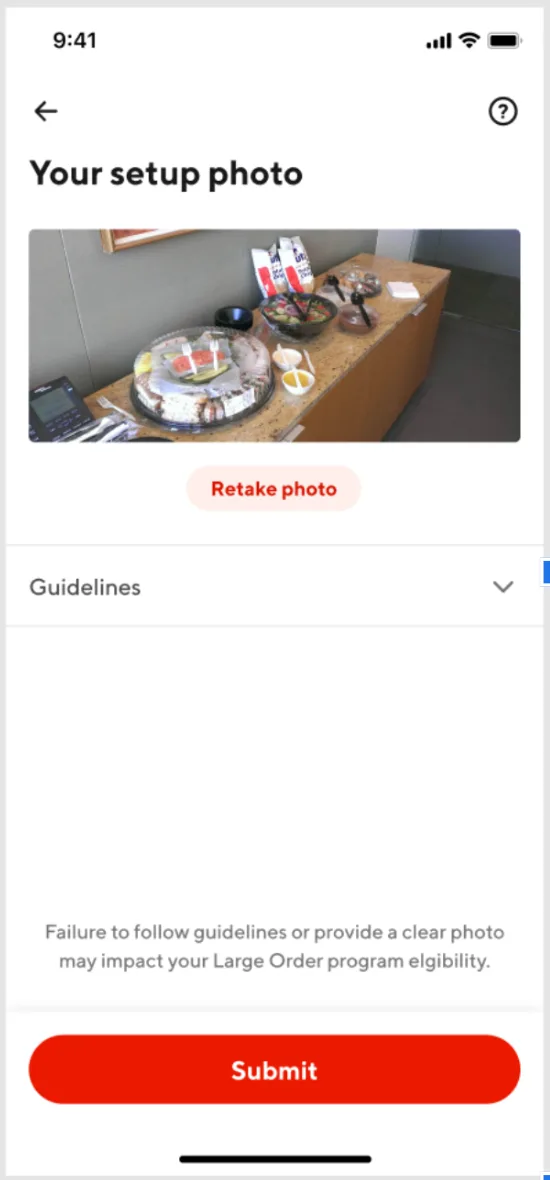
Customer refuses Set-Up:
If you cannot complete set-up, select “I can’t do setup”.
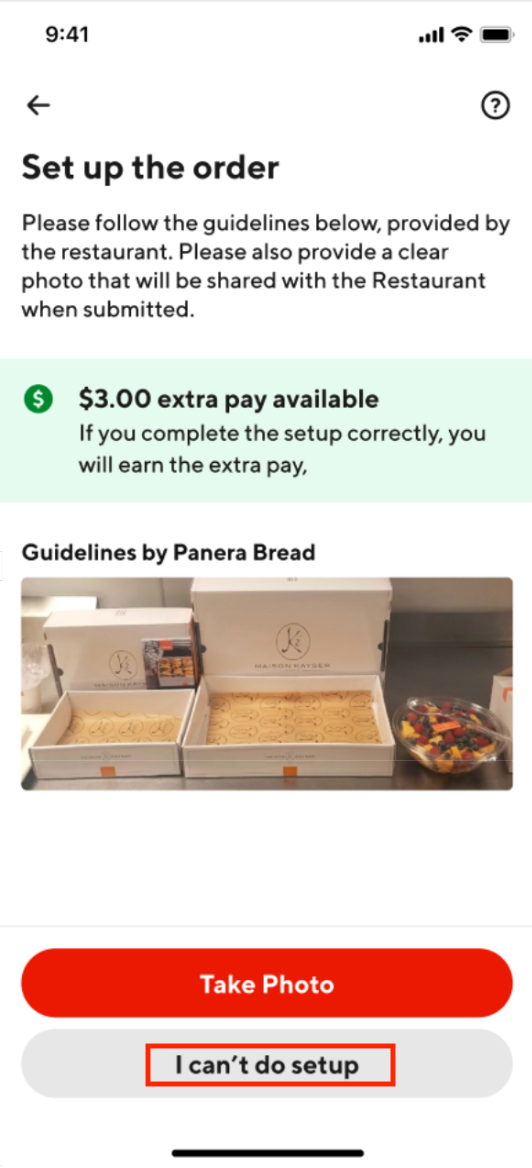

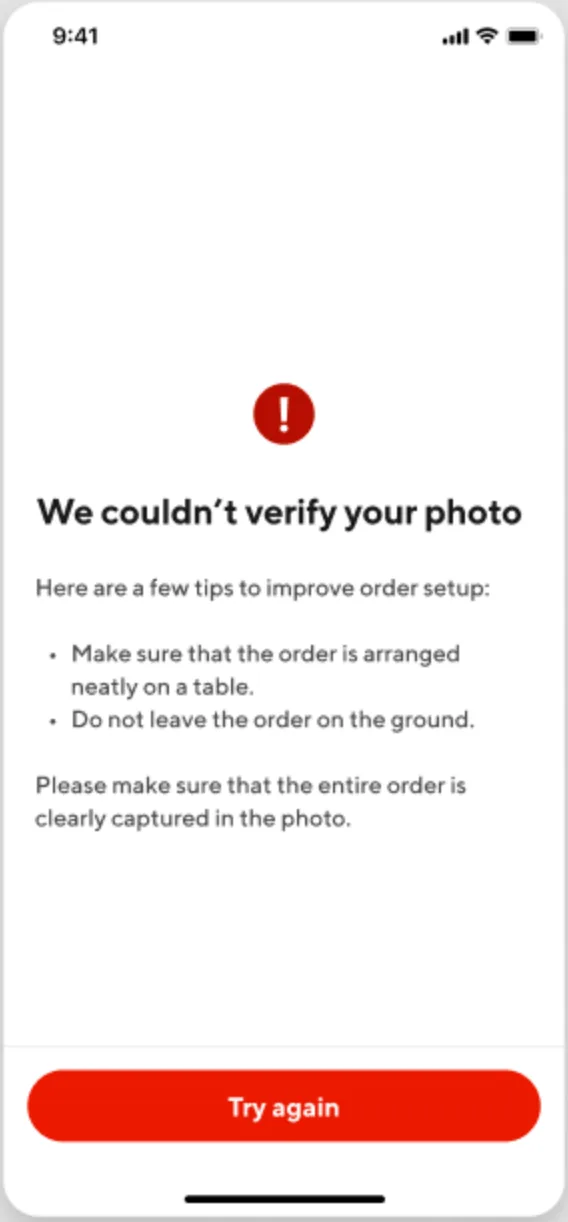
Photo cannot be verified
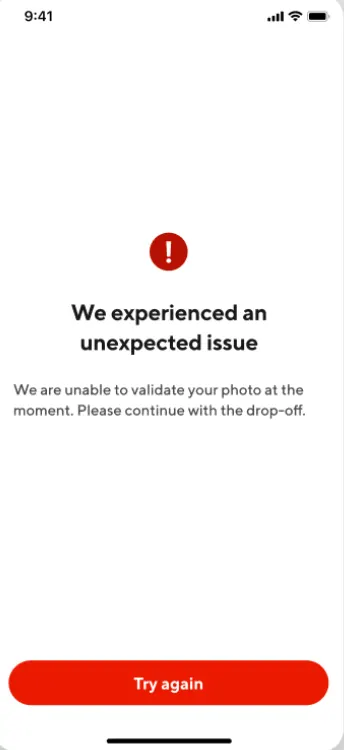
If you have a network issue while trying to set up, you will be prompted to try taking the photo again.
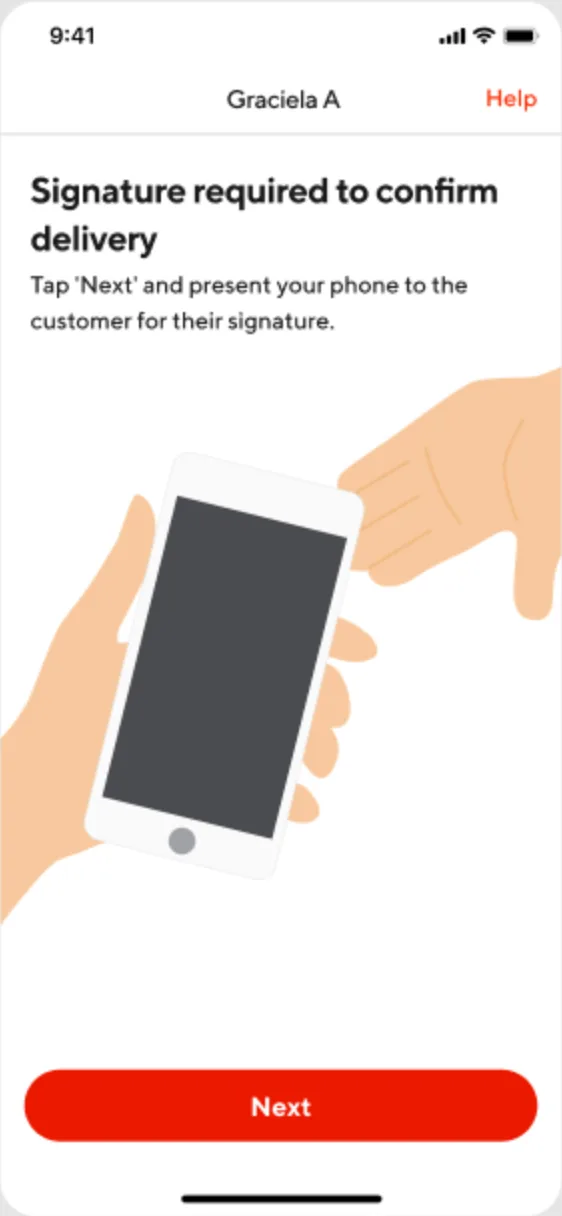
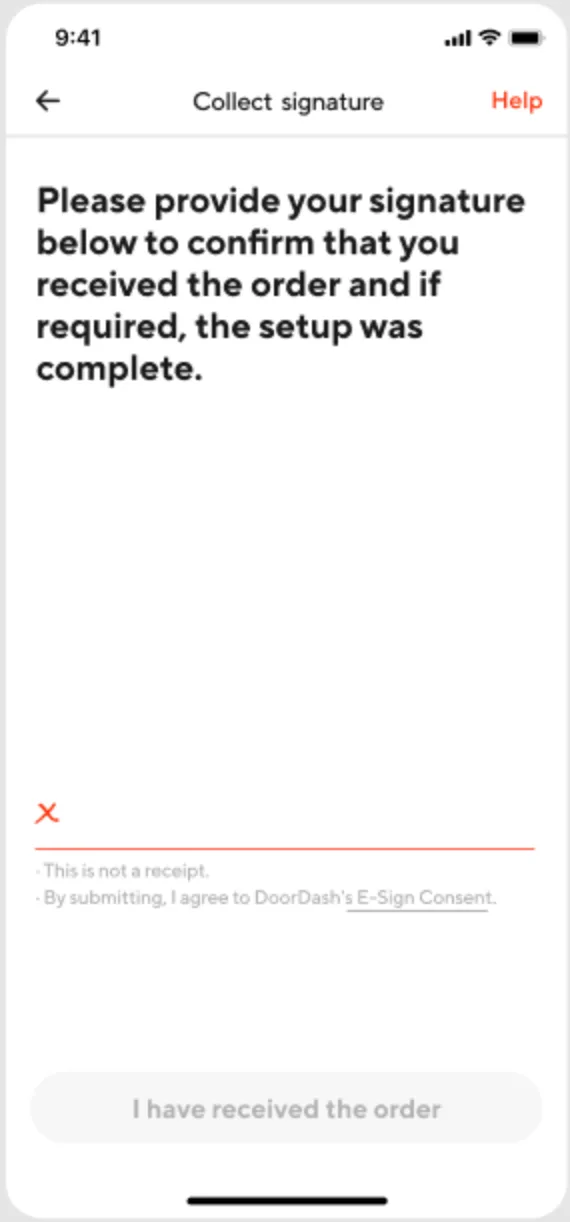
If the photo still cannot be verified after trying twice, click “Next” and a signature validation is required.
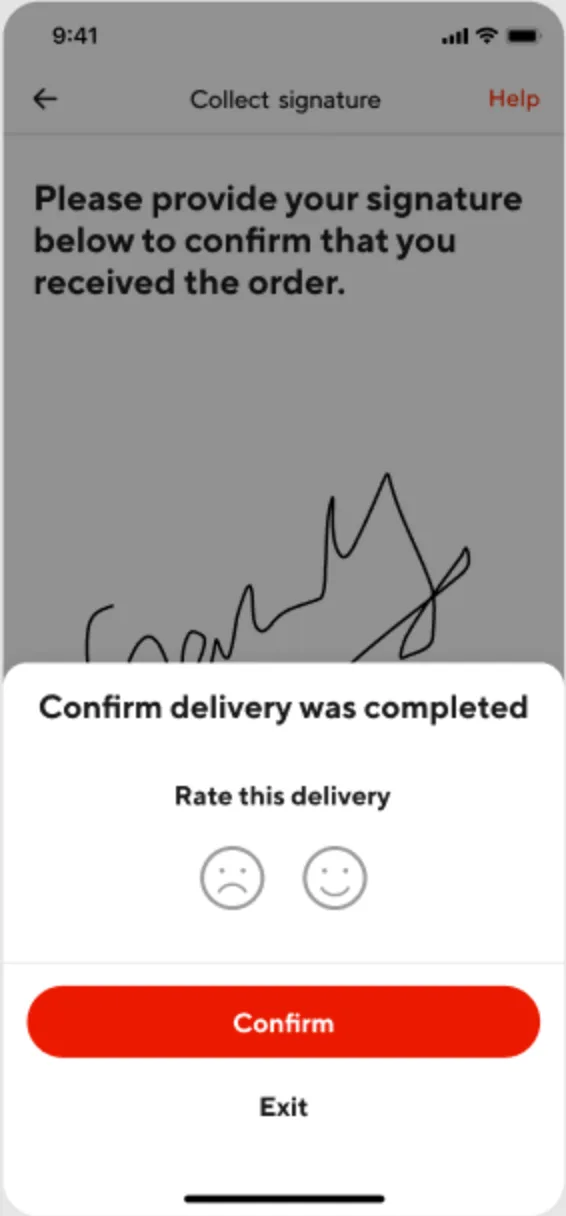
Ask the Customer for a signature to confirm that the order is set up and complete.
|
|
|
|
Failed Attempts:
If the setup cannot be verified after two attempts, you will be directed to get a customer signature to validate the order was delivered. Once the signature is submitted you will receive the $3 setup pay
|
|
|
Setup Photo Examples:
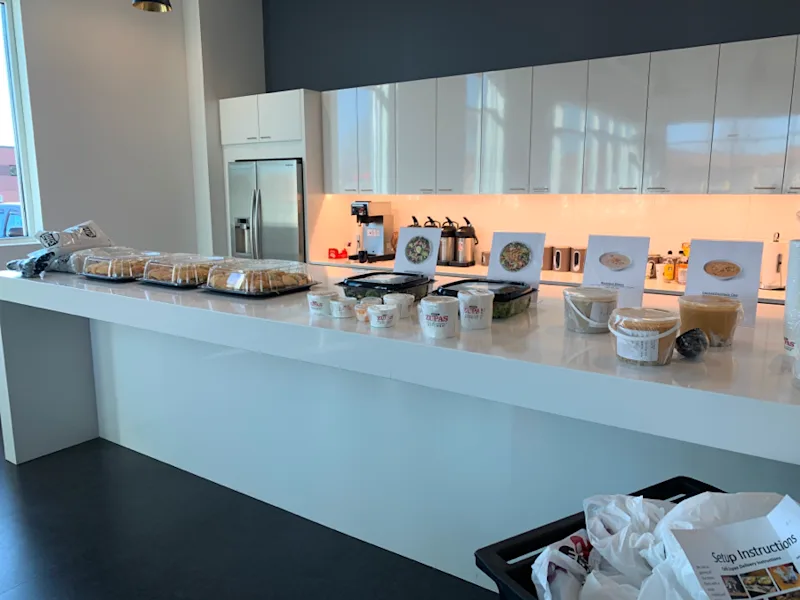
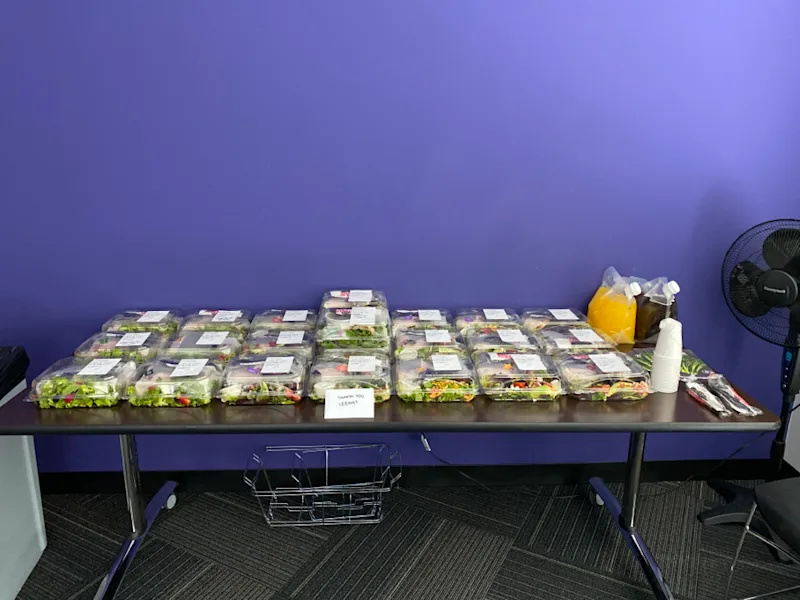
Completed Setup Photo
|
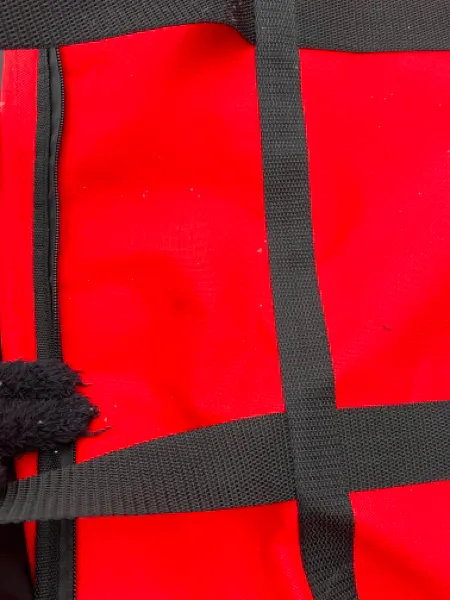
Examples of Incorrect Setup Photos
.
.
|