Verify your identity for payments
Verify your identity for payments
This article only applies to Dashers in Australia Dashers.
Contents
FAQ
Q: Why do I need to verify my identity?
A: Our third-party payments provider, Stripe, is required to collect, verify and maintain identity information on the individuals associated with a Stripe account. These requirements come from our regulators and financial partners and are intended to prevent abuse of the financial system.
The information Stripe is required to collect typically includes (but is not limited to) your:
Name
Date of Birth
Address
Bank account details
In instances where we are unable to verify your identity programmatically, you may be asked to upload a government-issued photo ID through the secure Stripe Dashboard.
If this is the case, you will receive an in-app prompt to upload your documentation.
Q: How do I verify my identity?
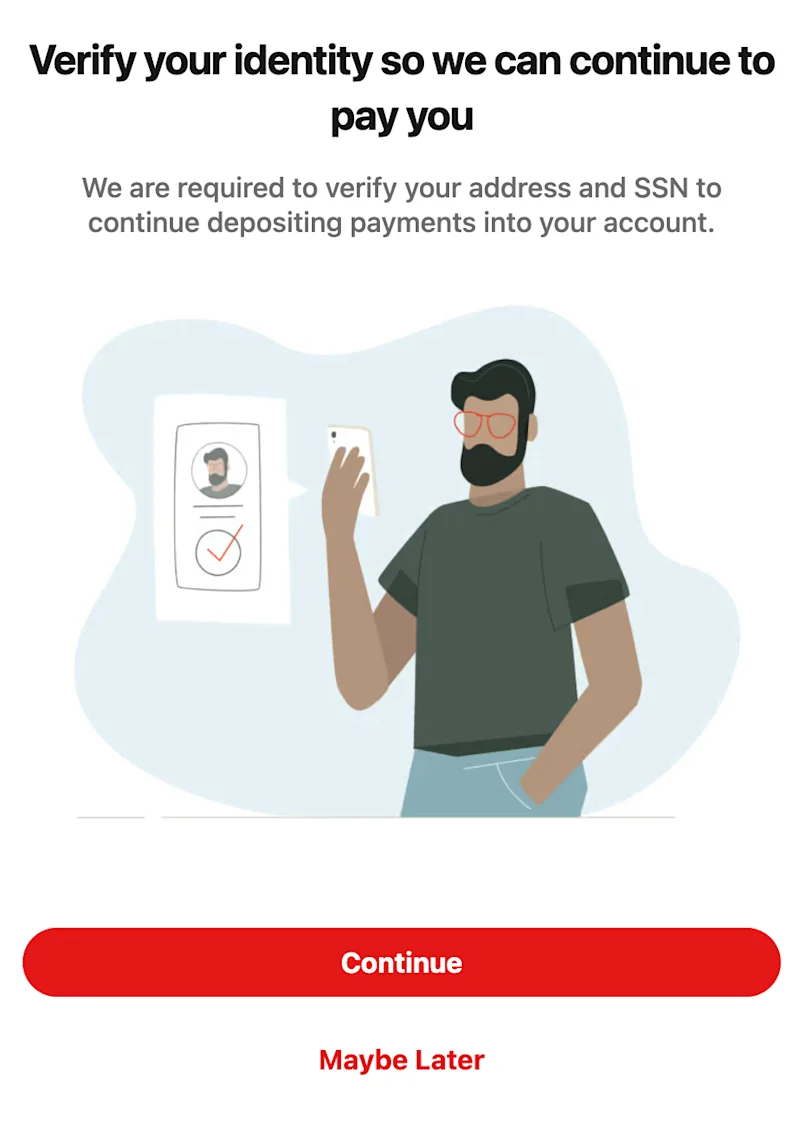
A: if you are required to verify your identity, you will see a pop-up in the app requesting you to Verify your identity so we can continue to pay you. Simply press Continue and follow the required steps. NOTE: If you are experiencing issues with not receiving your pay, it may be because your identity has not been properly verified. If you do not see this pop-up, please log out of the Dasher app, and log back in. You should see the pop-up on login. |
|
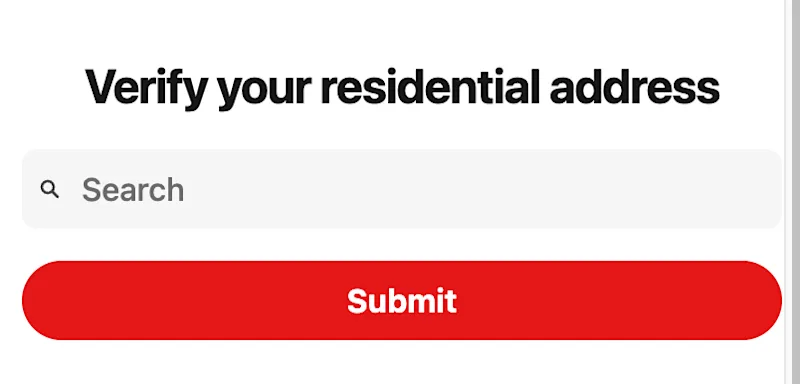
If required, you will be asked to Verify your residential address. Please enter your address as it can be found in Google Maps. Please ensure to include: Street address (including house/building number)* Unit/apartment number (if applicable) City* State* Postcode* *indicates required fields |
|
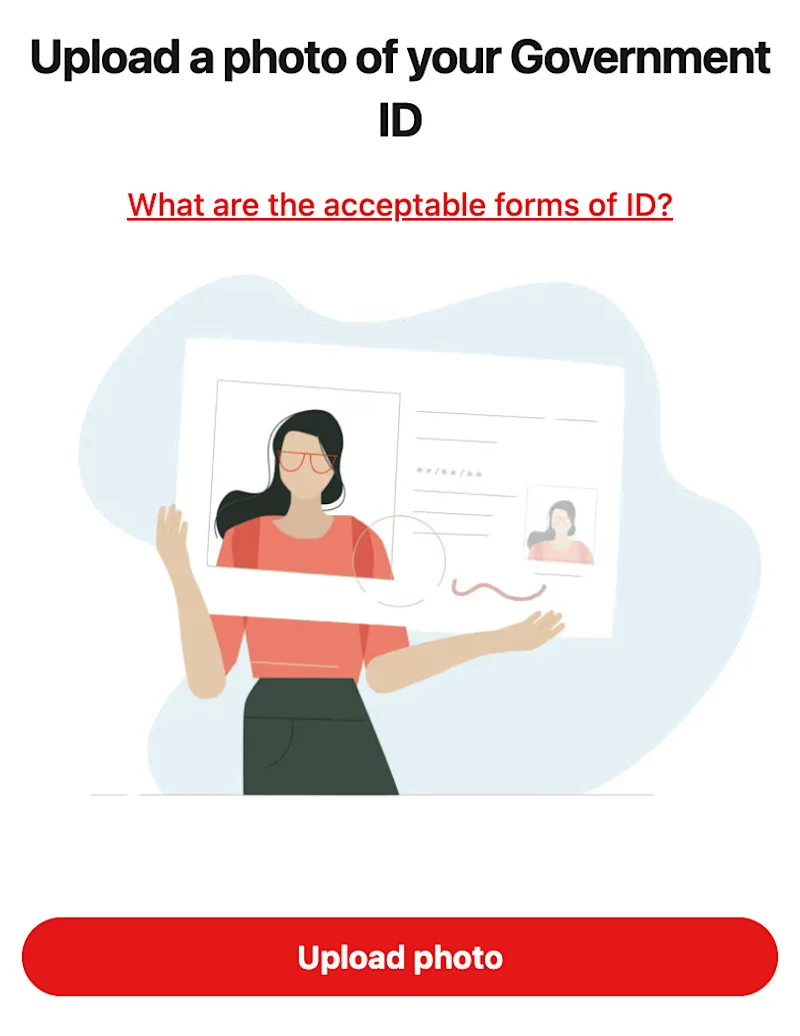
If required, you will be prompted to Upload a photo of your Government ID. Please note this is NOT requesting a selfie. Please see details below on acceptable forms of ID and troubleshooting ID upload. |
|
Q: What documents can I upload?
A: Acceptable forms of identification in Australia are:
Passport - both pages of passport booklet required
Driver Licence - scans of front and back are required
Photo Card - scans of front and back are required
New South Wales Driving Instructor Licence - scans of front and back are required
Tasmanian Government Personal Information Card - scans of front and back are required
ImmiCard - scans of front and back are required
Proof of Age card - scans of front and back are required
Australian Defence Force (ADF) identification card (Military ID) - scans of front and back are required
Documents that are not accepted include (but are not limited to): Birth certificates, Australian citizenship certificates, driver’s licence receipts, Medicare cards, bank account statements, bank cards, work ID cards (except for valid military IDs), utility bills, letters from the ATO, Centrelink, your bank, insurance provider etc, or any other documents not listed above.
Q: It’s not working - how can I troubleshoot the ID upload?
A: When uploading your ID document, please make sure you check the following.
ID requirements | Image requirements |
You are only uploading an image of one of the acceptable forms of ID You are uploading a photo of your government-issued ID, NOT taking a selfie The document is complete - front and back uploaded (where required). Upload one image of the front, and one image of the back (do not combine the images into one file) Your ID has not expired Your name, date of birth, and address on your ID match the details you provided in your Dasher profile | Upload the image in the original picture file - do not crop the image, paste it into a Word document, or edit the image in any way. Upload a photo of the original ID (screenshots, scans, photocopies etc. are not acceptable) All four corners of the document are visible ID is placed against a surface No fingers or other objects in the photo No blur, glare or shadow on the image The image is clear and the text is legible Colour image 8,000 pixels by 8,000 pixels or smaller 10 MB or less JPG or PNG format |
Q: How is my information stored? Is it secure?
A: Please find more information detailed in our Dasher Privacy Policy



